stream in 4K. from your pocket.
Up to 4K at 120 fps, over your Wi-Fi. Paste one link into OBS and you're set.
Free for iPhone & iPad · Works with OBS, Streamlabs & any browser
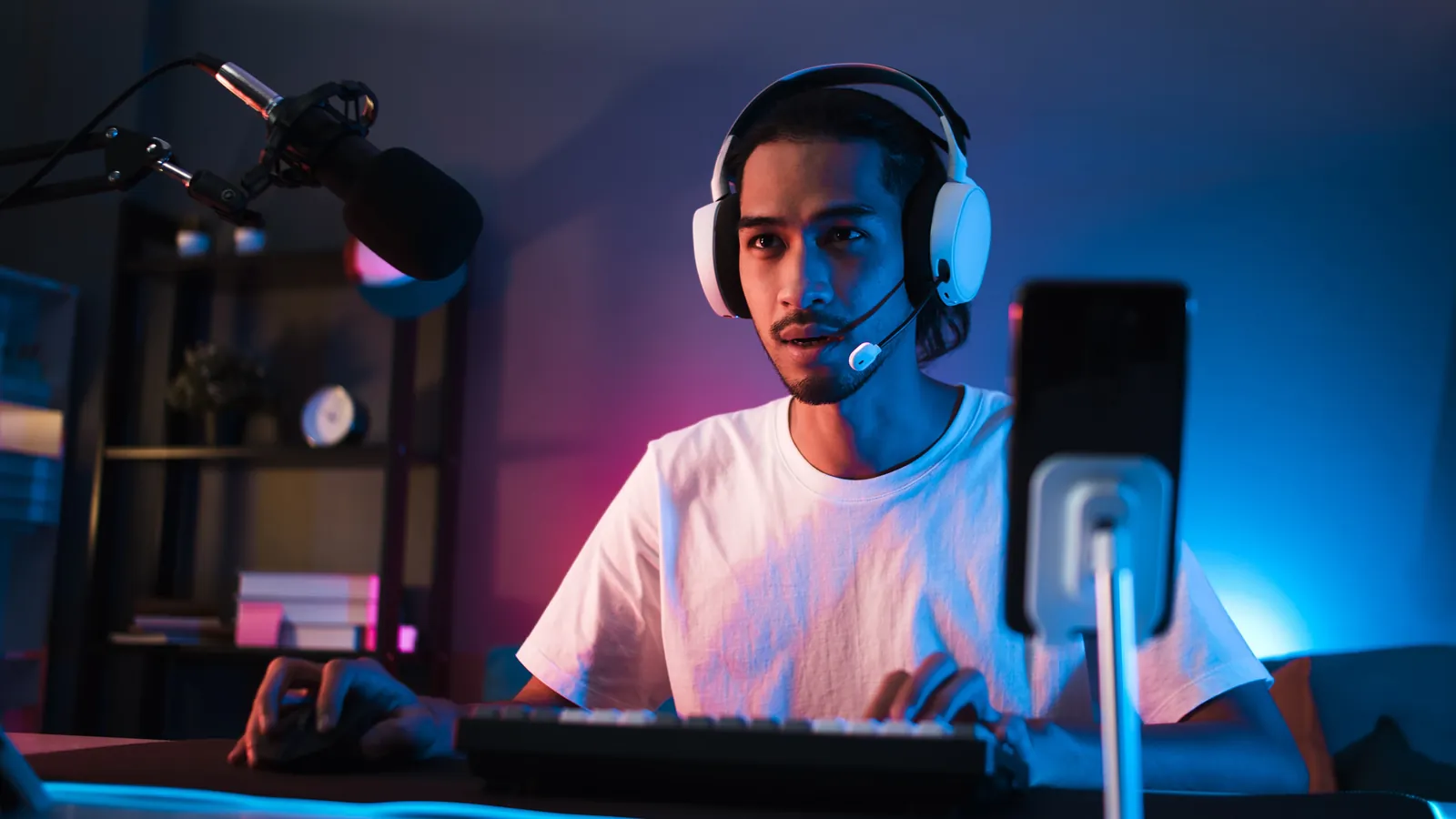
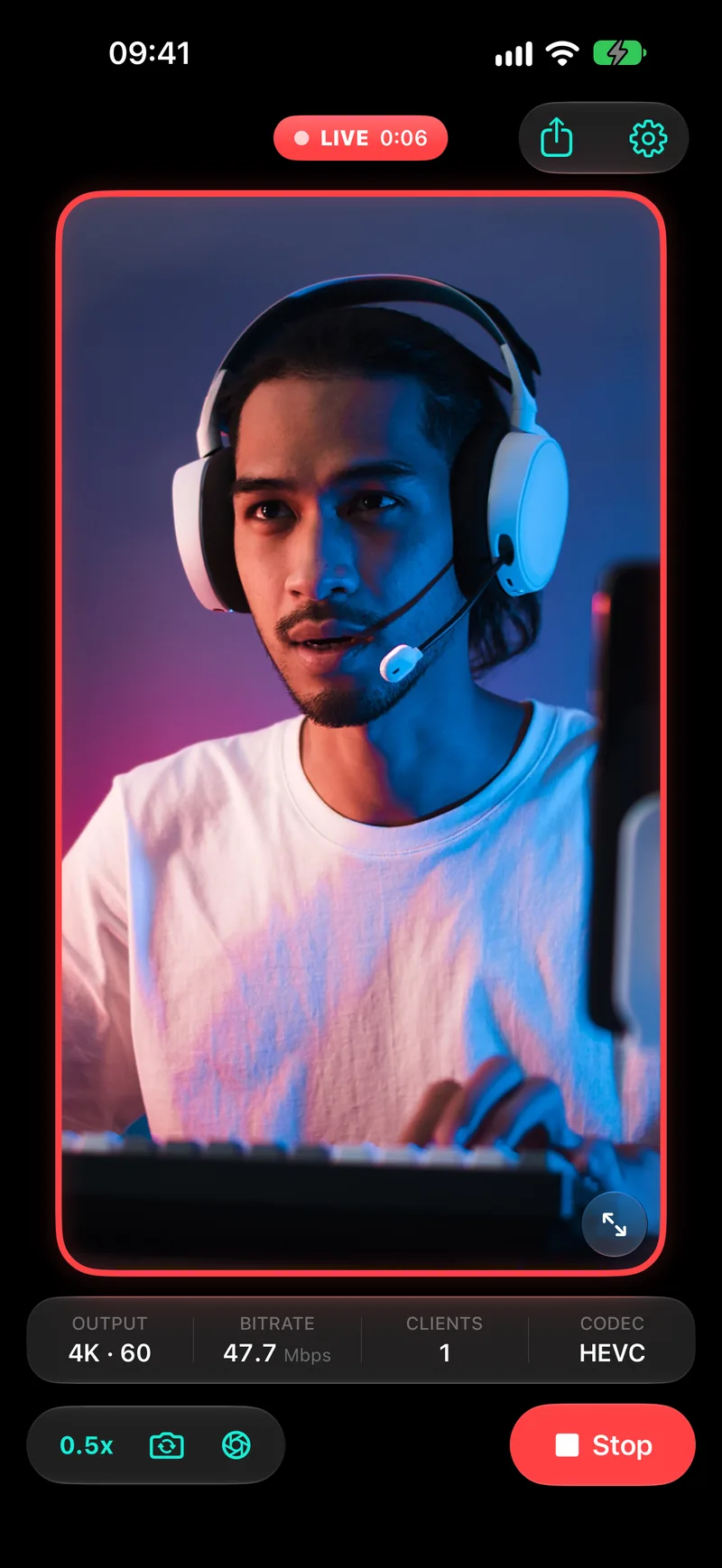
stuff you'll need
- USB cable
- capture card
- drivers
- desktop app
- account
- expensive DSLR
iPhone. OBS. Wi-Fi. That's it.
see it to believe it
 720p4K · 3840 × 2160
Measuring your screen…


180 ms from phone to screen at 1080p60
Glass to glass, median: about 150 ms at 720p, 180 ms at 1080p60 and 240 ms at 4K60. iPhone 17 Pro Max over Wi-Fi to Chrome on a Mac, measured with the StreamCam latency lab. Includes camera, encoding, Wi-Fi, decoding and display.
runs anywhere
Streaming software
- OBS Studio
- Streamlabs
- Twitch Studio
- + anything with a Browser Source
Browsers
- Chrome
- Edge
- Safari
- Firefox
- Opera
- + and the rest
Systems
- Windows
- macOS
- Linux
- iPadOS
- ChromeOS
- + if it runs a browser, it counts
yep, it even streams to your smart fridge!
setup speedrun, any%
Copy link
Tap the link button in StreamCam to copy your stream address. It's there as soon as the app opens.
Copied · 192.168.1.42:8080Paste into OBS
Add a Browser Source and paste the link.
Browser Source · URLhttp://192.168.1.42:8080OKGo live
Tap Go Live in StreamCam and your camera shows up in OBS.
Go Live LIVE 0:01
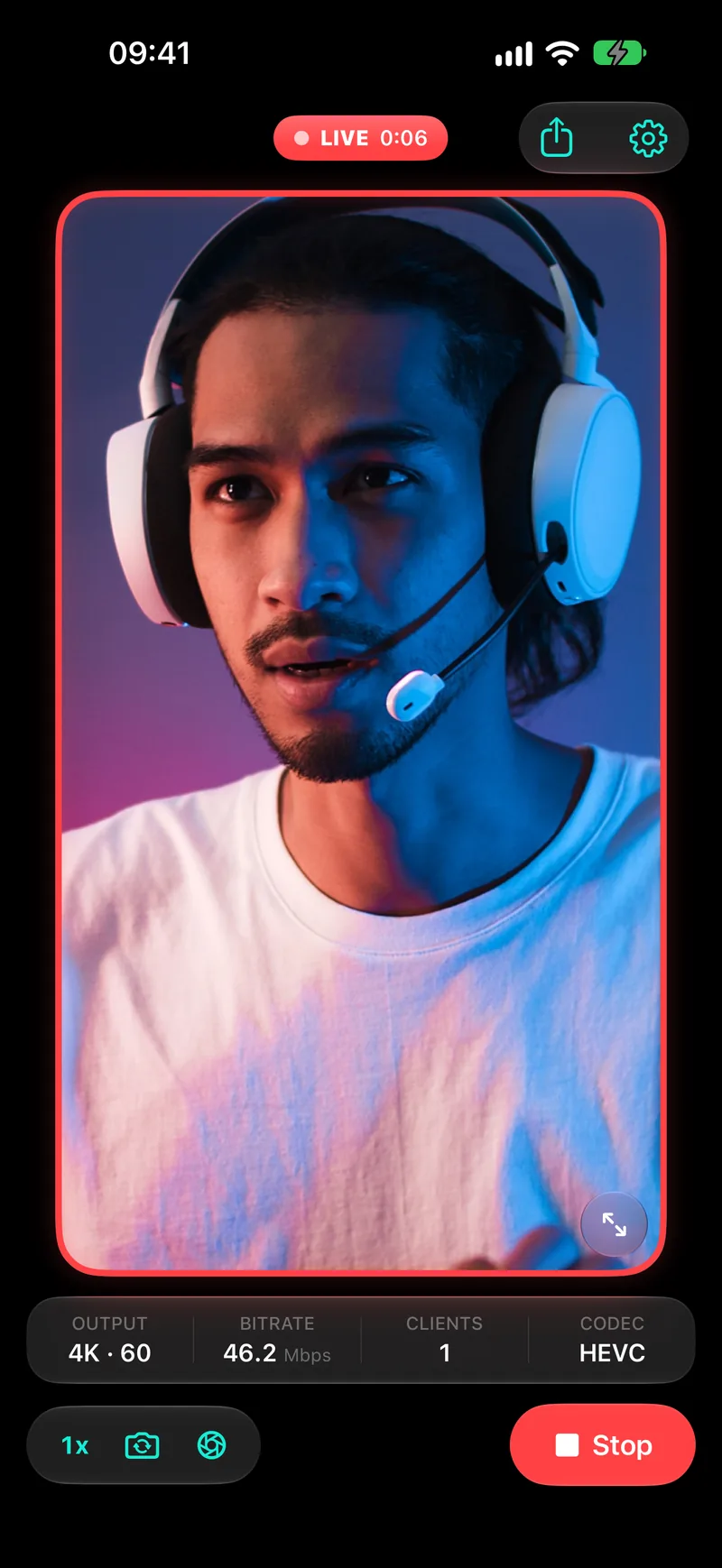
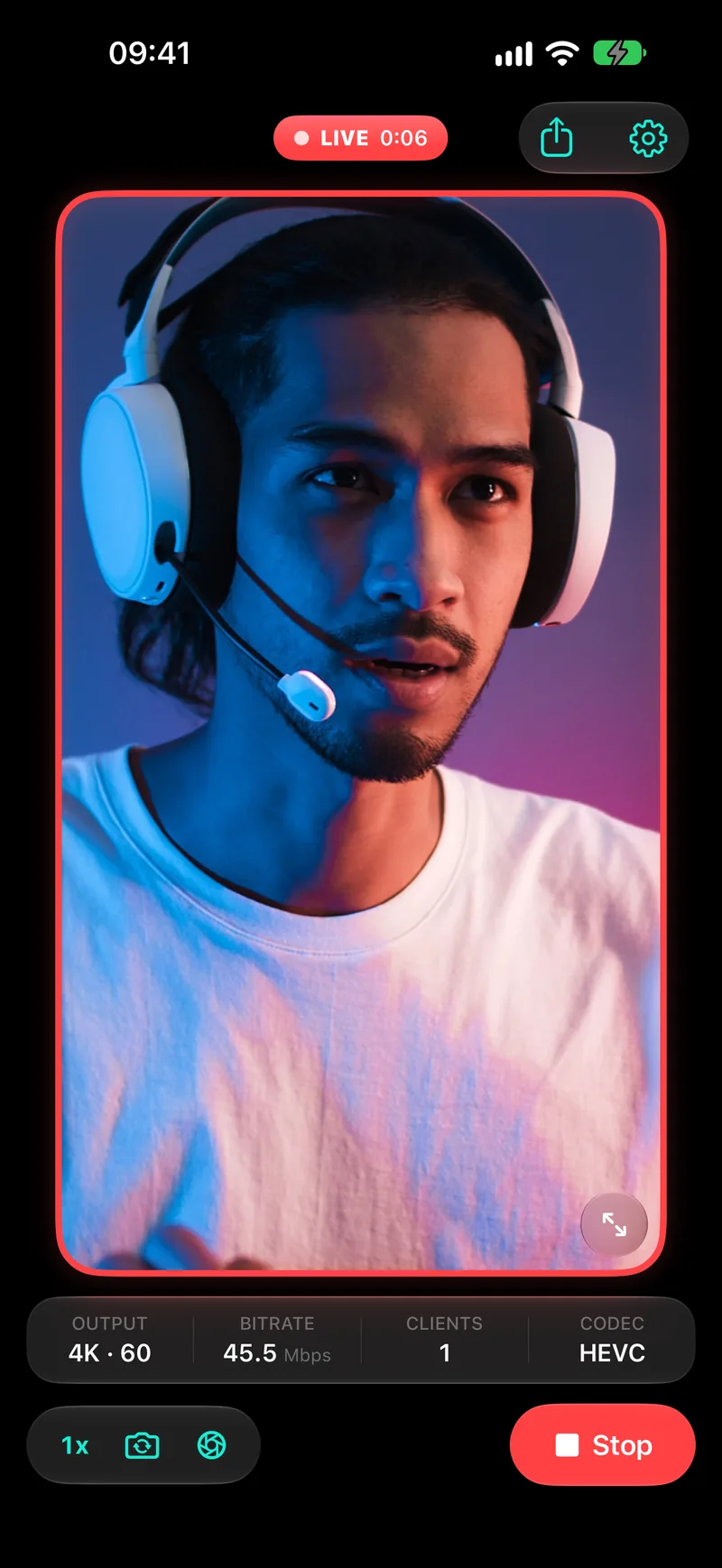
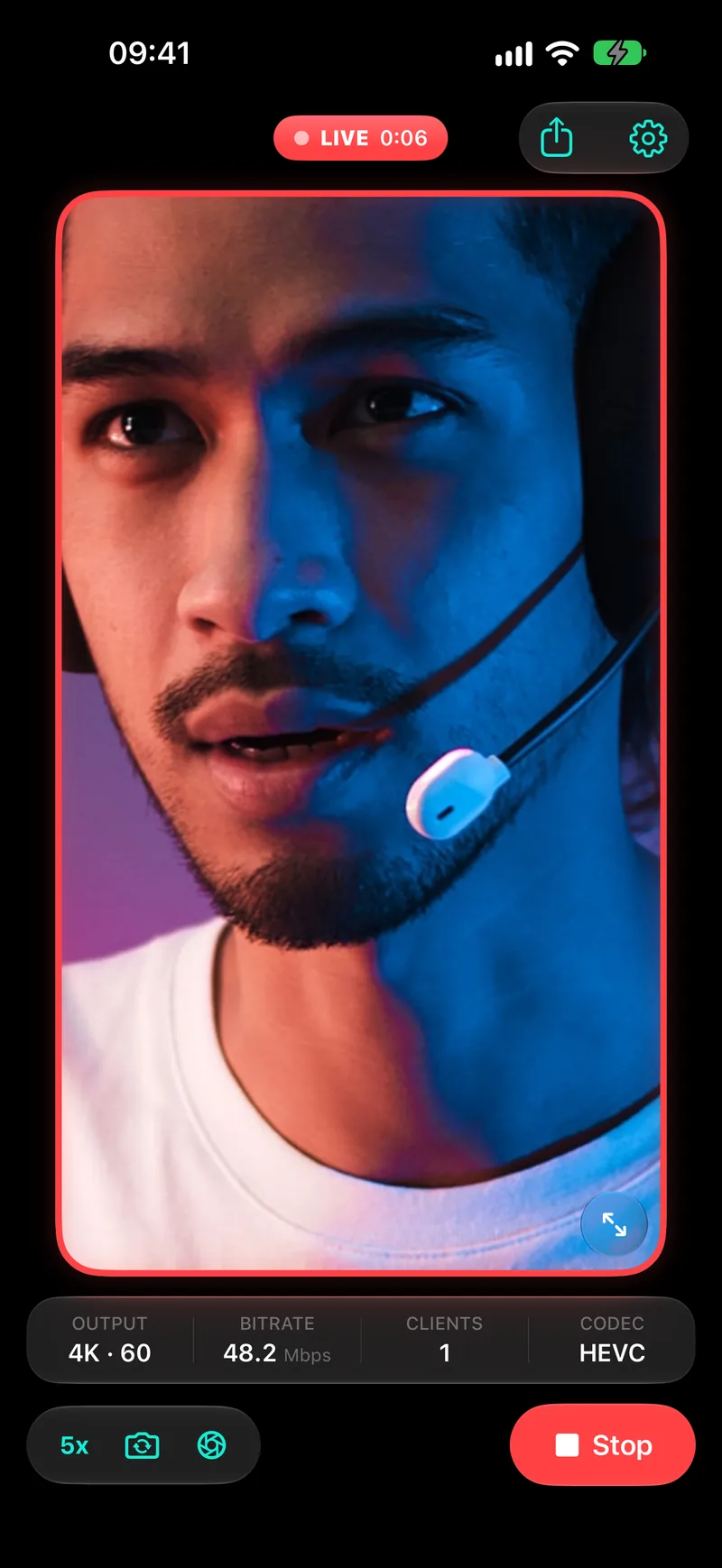
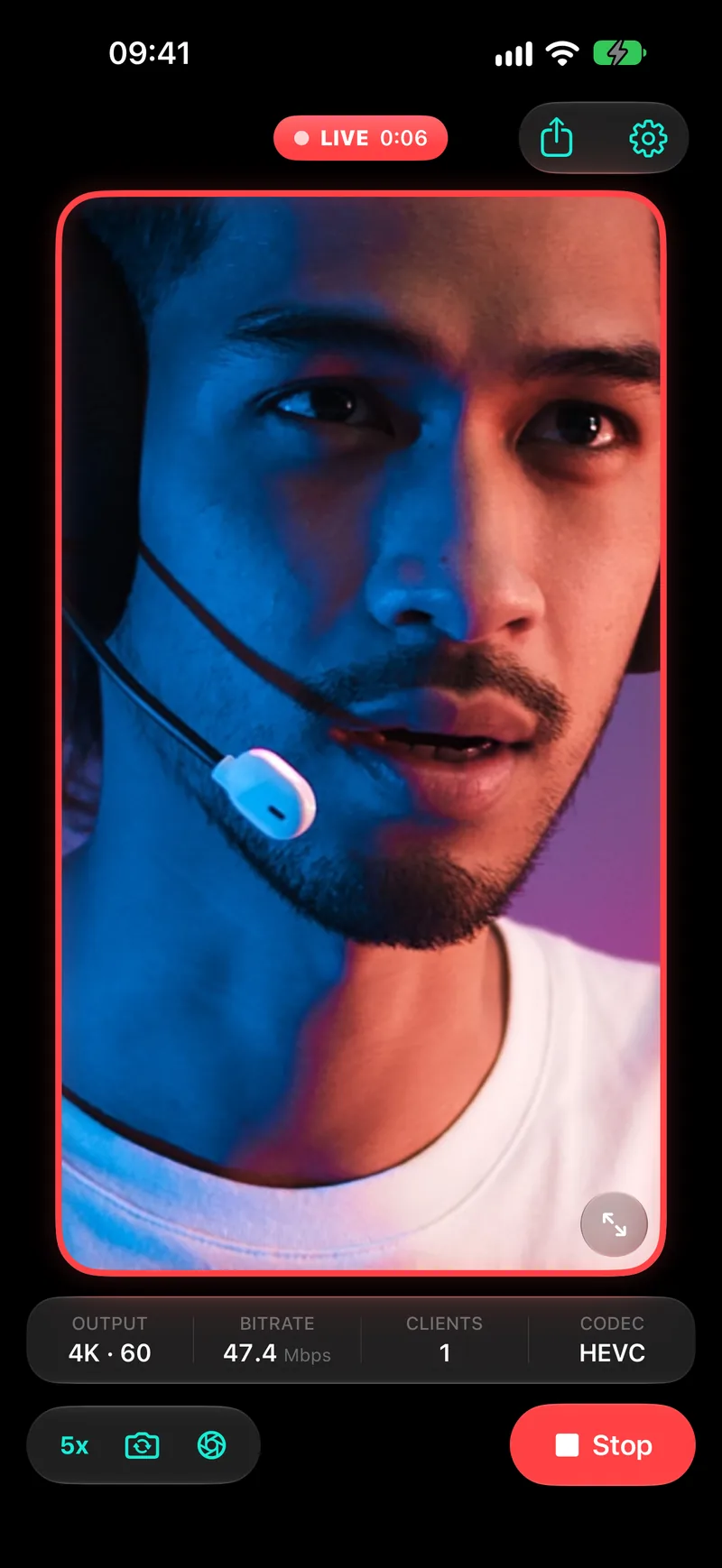
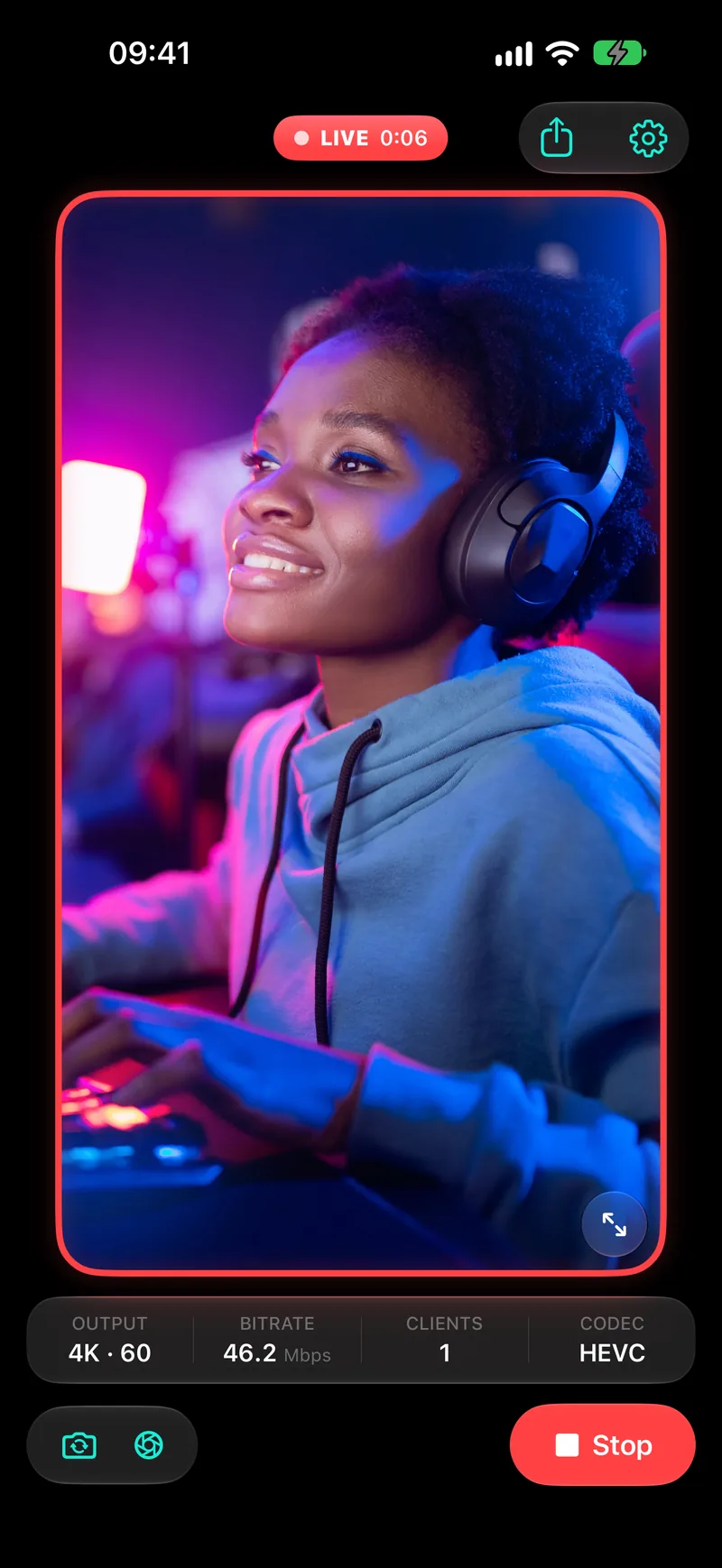
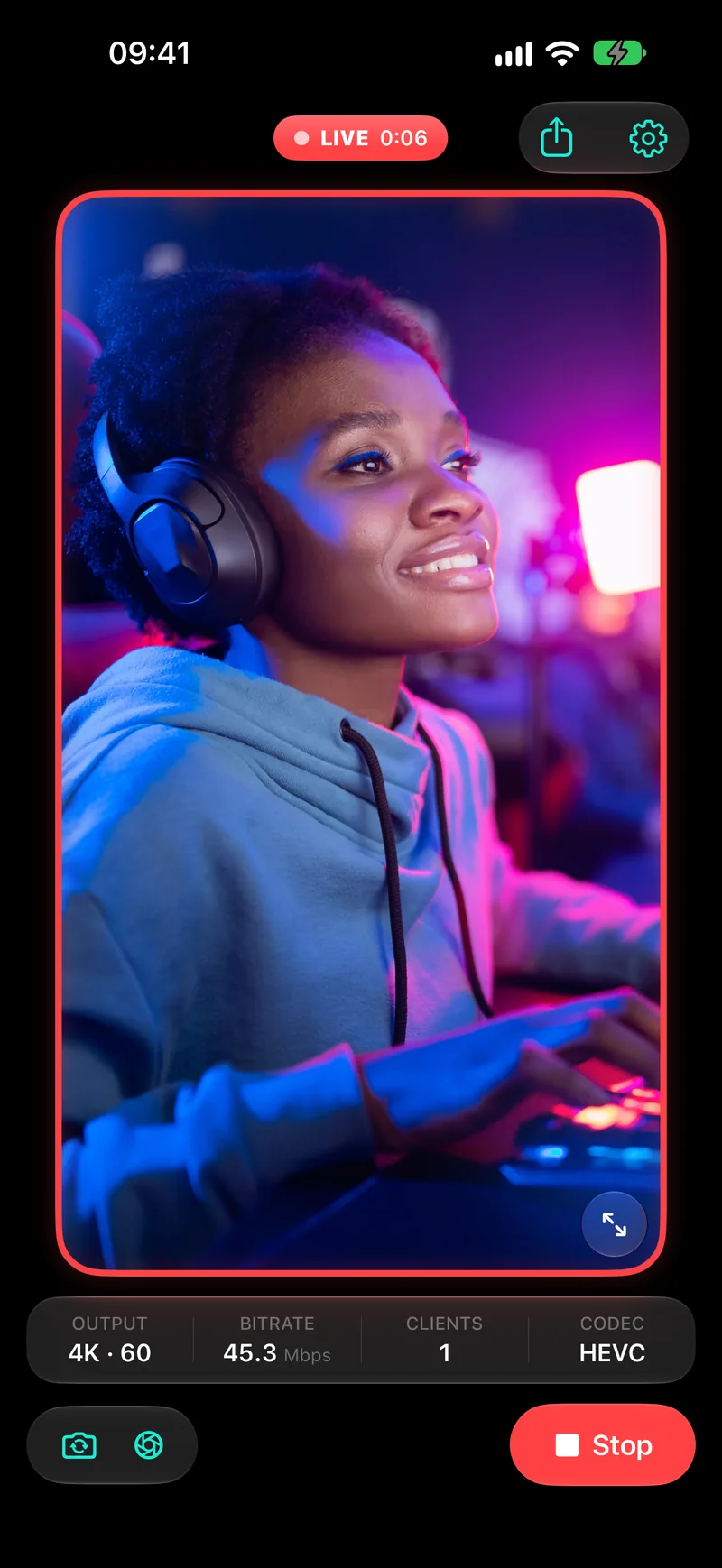
switch angles mid-stream. no alt-tab.
Swap lenses, flip cameras, mirror or tap to focus, right on the phone. Resolution and frame rate change mid-stream too, and OBS keeps playing without a reload.
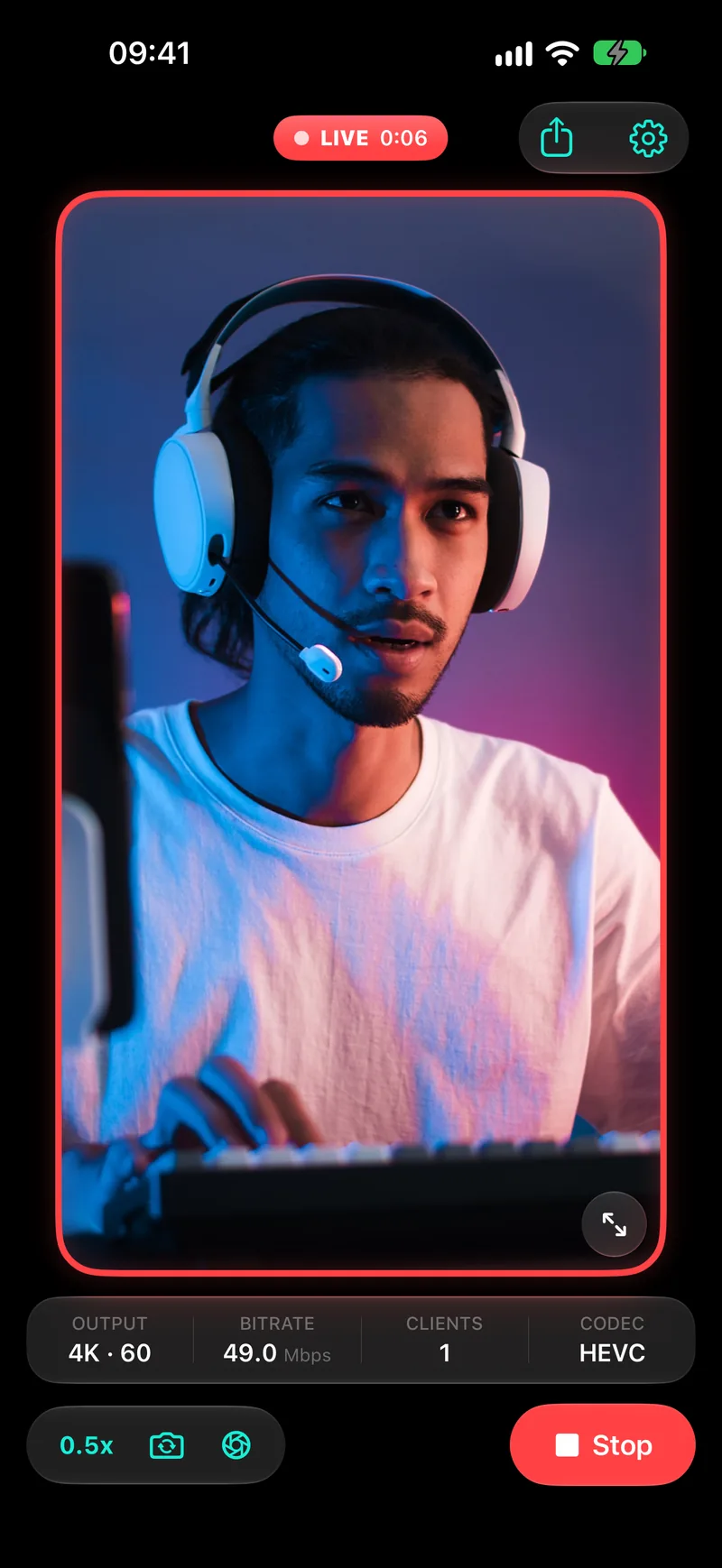
psst. check your wrist.
StreamCam has an Apple Watch app. Go live or stop with a tap, and feel it on your wrist the moment something breaks.
Free. Needs watchOS 26, with StreamCam open on your iPhone.
that link? it's your own network.
The address StreamCam gives you points at your phone, on your Wi-Fi. Your video goes straight to your computer and never leaves the house.
go live for free.
Everything you need to go live is free. Pro unlocks every resolution, frame rate and setting, with no limits on clients or devices.
Fair questions.
Can I use my iPhone as a webcam in OBS?
Yes. StreamCam turns your iPhone or iPad into a wireless camera: copy its address with the link button and add it to OBS as a Browser Source. No cables, no capture card, nothing to install on your computer.
What do I need?
An iPhone or iPad with StreamCam, and a computer running OBS, Streamlabs or just a browser. Both on the same Wi-Fi. That's the whole list.
How do I add it to OBS?
In StreamCam, tap the link button to copy the address. In OBS, add a Browser Source, paste the address and match the size to your canvas. Then tap Go Live in StreamCam, and your camera shows up in OBS.
Does it work with Streamlabs and Twitch Studio?
Yes. Anything with a Browser Source can show the feed, so you add the address in Streamlabs or Twitch Studio the same way you would in OBS.
Does it work with Apple Watch?
Yes. StreamCam on Apple Watch starts and stops the stream, shows how long you've been live and how many clients are connected, taps your wrist when something goes wrong, and puts your live status on your watch face. It's free, needs watchOS 26, and StreamCam has to be open on your iPhone.
Is StreamCam free?
Yes. The free version has no time limit and no watermark, and it includes the Apple Watch app. It streams in 720p at up to 30 fps to one client from one device. Pro adds higher resolutions and frame rates, encoder tuning, and as many clients and devices as you like.
Is it really 4K at 120 fps?
Those are the ceilings. What you get depends on your iPhone's camera and your Wi-Fi, and StreamCam only offers the sizes and frame rates your device can actually capture.
Does it send audio?
No — StreamCam is video only. Keep your mic plugged into your computer like you already do.
Windows? Linux? That weird old laptop?
If it can open a web page, it can show the feed. H.264 plays everywhere. HEVC saves bandwidth in Chrome, Edge and Safari on Mac (OBS on Windows needs Microsoft's free HEVC extension).
Does my video go online?
No. The feed travels from your phone to your computer over your own network. There's no StreamCam server in the middle and no account to sign in to.
What does Pro add?
Resolutions up to 4K, 60 and 120 fps, the full quality range, encoder tuning, and as many clients and devices as you like. If you bought Pro in an earlier version, it carries over.
More answers on the Support page. Got a Mac? See how StreamCam compares to Continuity Camera.


the best camera on your desk is already in your pocket.

 Free · iPhone & iPad